



Introduction
In today's tutorial, we will explore the fascinating concept of scoring within CRM systems. This feature allows you to assign scores to your contacts, potential clients, and customers based on their purchasing behavior. By utilizing scoring, you can filter your database effectively and identify those who are more inclined to make purchases, ultimately boosting your sales efforts.
How to Instructions
1. Introduction to Scoring
Scoring is a compelling feature that enables you to add scores to your contacts, potential clients, and existing customers.
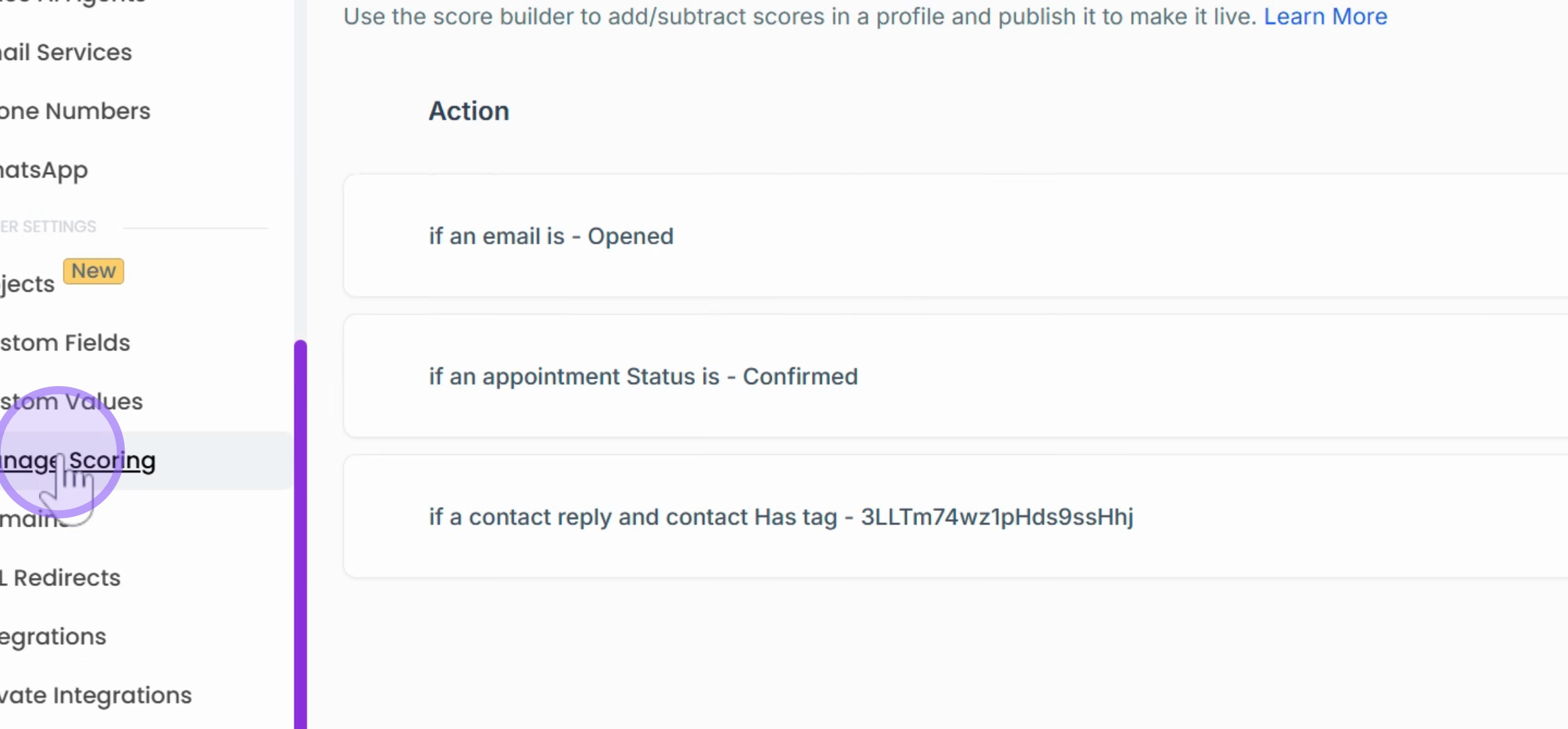
2. Criteria for Scoring
You can determine the criteria for assigning points. For instance, if a client is willing to purchase and has bought multiple items from you, you might assign them ten points.
3. Filtering Clients
Based on these scores, you can filter your clients and create a database of individuals who are more willing to buy compared to others. This allows for tailored approaches when reaching out to them.
4. Importance of Scoring
The concept of scoring is quite innovative within CRM systems and can significantly enhance your sales.
5. Custom Scoring
You can filter individuals based on the scores you set, creating a customized scoring system for your clients and potential clients.
6. Additional Sales Opportunities
This feature can lead to interesting opportunities for further sales.
Conclusion
By implementing scoring in your CRM, you can significantly improve your sales strategies. Understanding your clients' willingness to buy can lead to more effective interactions and increased sales.